One key runs your whole script
Mac Utils is a native macOS menu bar app with a full-size utility window. Analyze your disk and decide what to remove, or compose a script from ready-made actions and run it from any application with one global keyboard shortcut.
Scripts, not settings screens
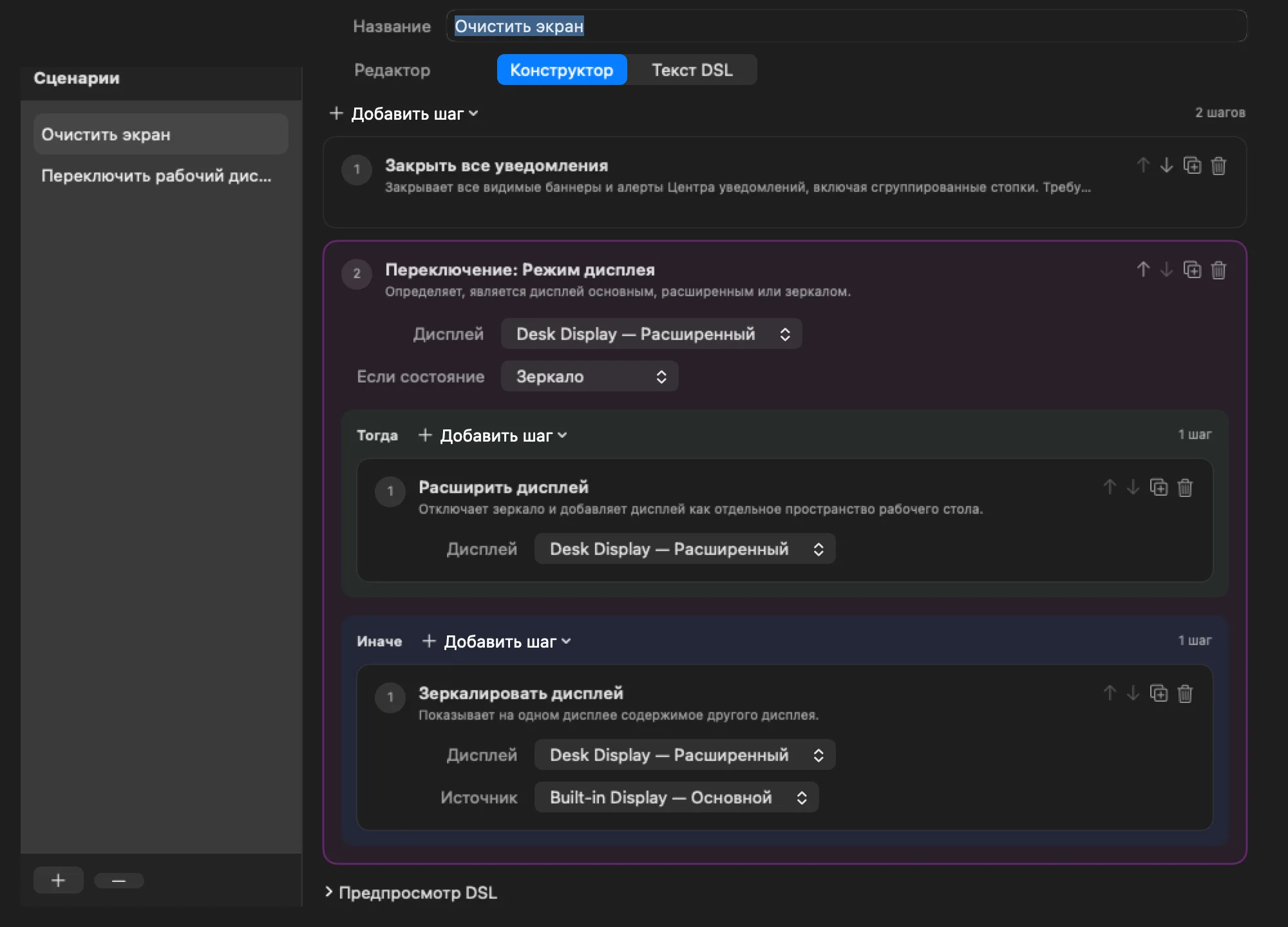
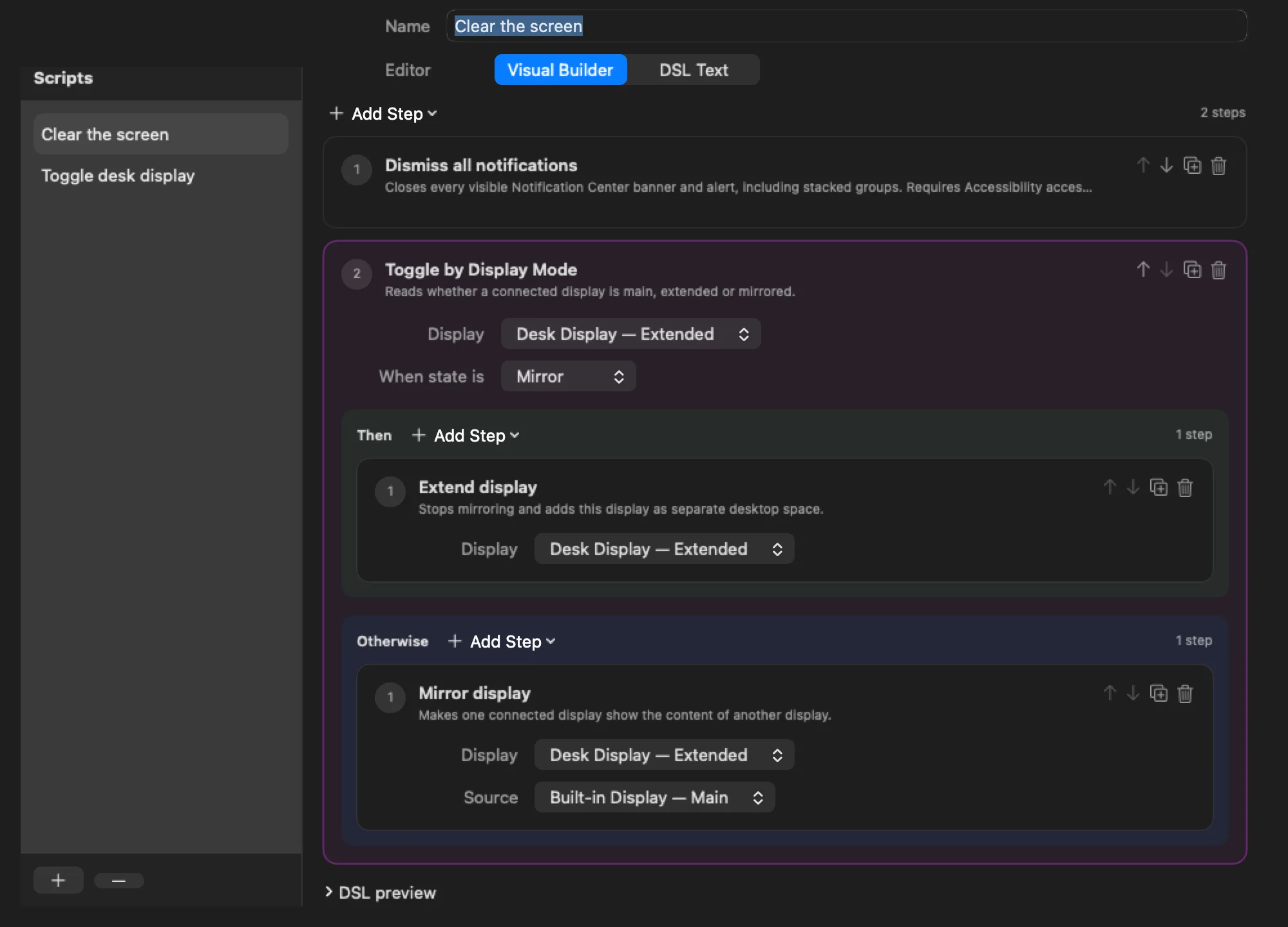
A script is an ordered list of actions. You build it visually, save it, and give it one native global shortcut. The key then runs every step in order while any other app is active.
See what takes space. Decide what goes.
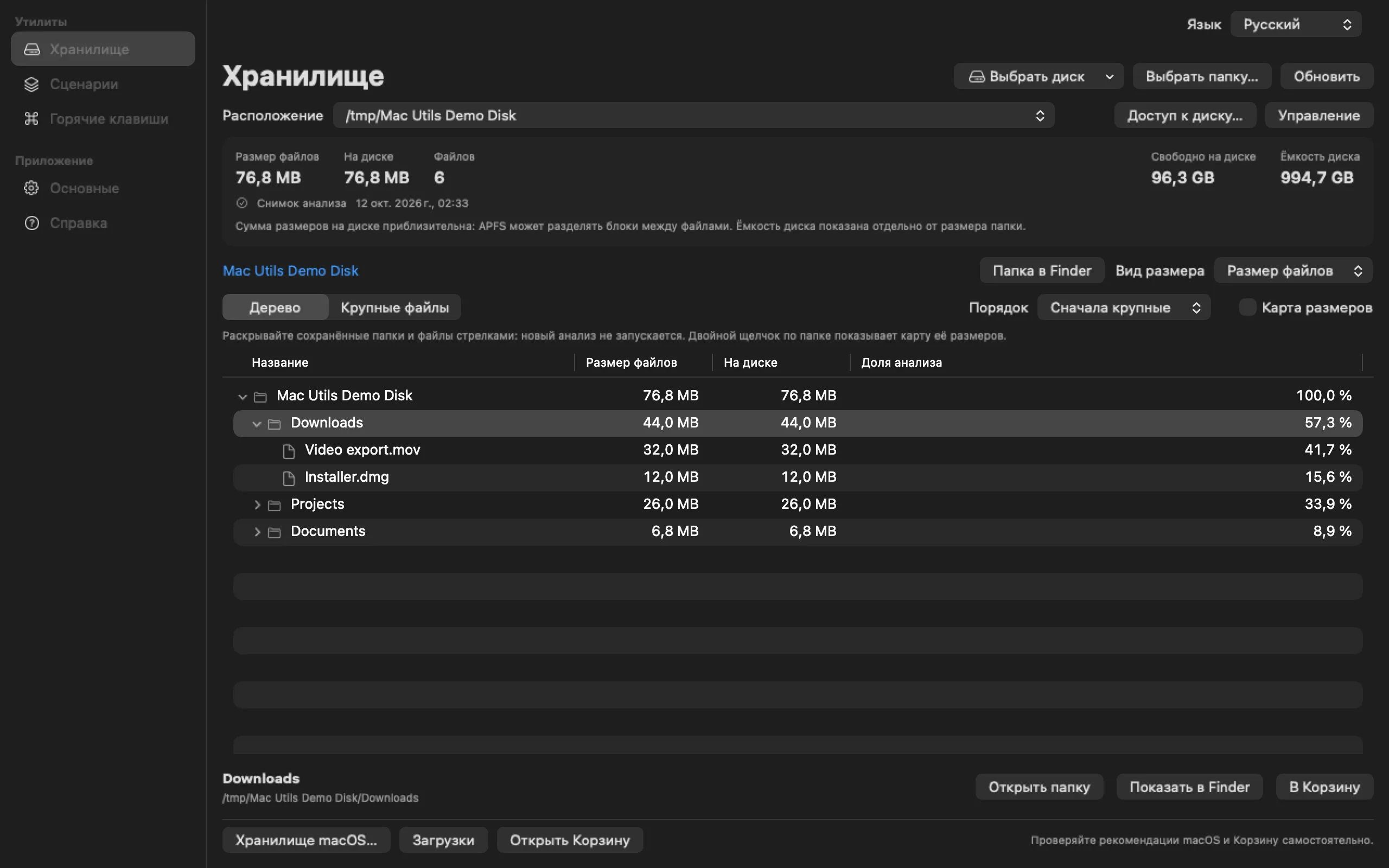
Choose a disk or folder, analyze it once, then explore the saved tree. Expand folders, sort siblings by logical or allocated size, and focus a branch without scanning it again. Resize the window or use full screen when you need more room.
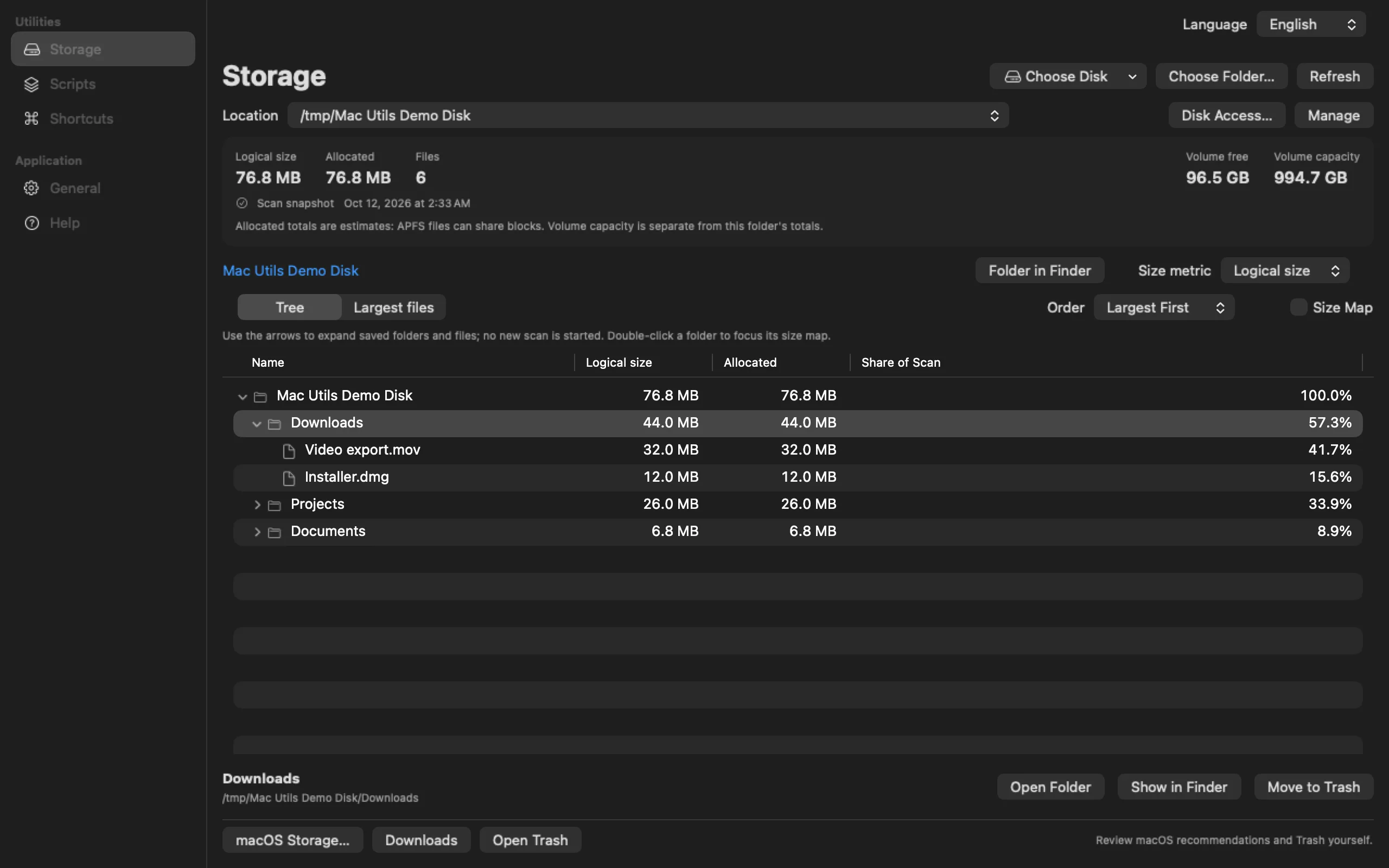
A tree you can keep browsing
Folders load saved children in pages. The largest-files view and optional size map help you find large items; reopening a saved location restores its dated result. Refresh explicitly when you want a new scan.
Manual cleanup, with confirmation
Reveal an item in Finder or move your selection to the system Trash. Confirming a folder includes all its contents. Successful moves update the saved tree without restarting the scan; restore items in Finder's Trash until you empty it. No automatic junk deletion or cache purge.
macOS tools within reach
Open macOS Storage recommendations, Downloads or Trash from the utility. Disk Access explains the optional Full Disk Access permission; Mac Utils cannot grant it for you or bypass protected folders.
What the scan and sizes mean
The first scan can take time. Progress shows its phase, elapsed time, processed objects and rate; a catalog percentage appears only when an approximate volume count is available. Supported APFS disk roots use the filesystem catalog; folders use metadata traversal. File contents are not read. Protected records can be omitted, so catalog coverage remains unverified and analysis notes matter. APFS files can share blocks: allocated totals are estimates, not a promise of space you can reclaim. The screenshot uses disposable demo files, not a complete disk scan.
What you can automate today
The catalog of actions grows with every release. Every action is registered by the app itself, so scripts never run shell commands or downloaded code.
Display roles
Make a display the main one, extend the desktop onto it, or mirror it from another display. A rotated display restores its remembered supported mode when it leaves mirroring. Independent display positions are remembered across restarts, preserving left/right relationships when the main display changes.
Toggle by State
Read the live mode of a display and run one branch when it matches and another when it does not. One key extends a mirrored display and mirrors it again later.
Dismiss all notifications
Close every Notification Center banner, alert, and stacked group in one press, including alerts that stay on screen until you close them. Direct build, needs Accessibility access.
Refresh Universal Control
Restart the local Continuity services so Universal Control reconnects the trackpad and cursor between your Macs. Direct build.
Launch at login
Start the menu bar app automatically and see the real approval state that macOS reports, with a direct link to Login Items.
Global shortcuts
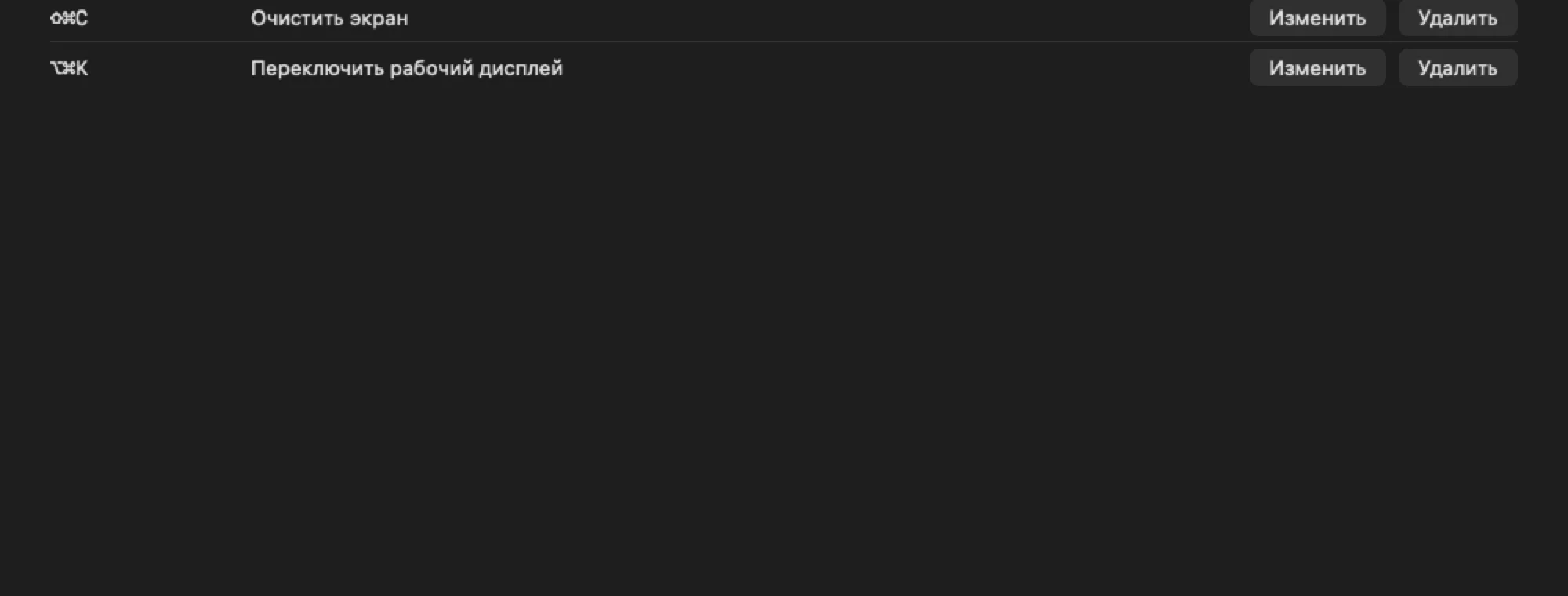
One native shortcut per script. If macOS rejects a replacement, the previous working shortcut stays active instead of leaving you with nothing.
From idea to key press
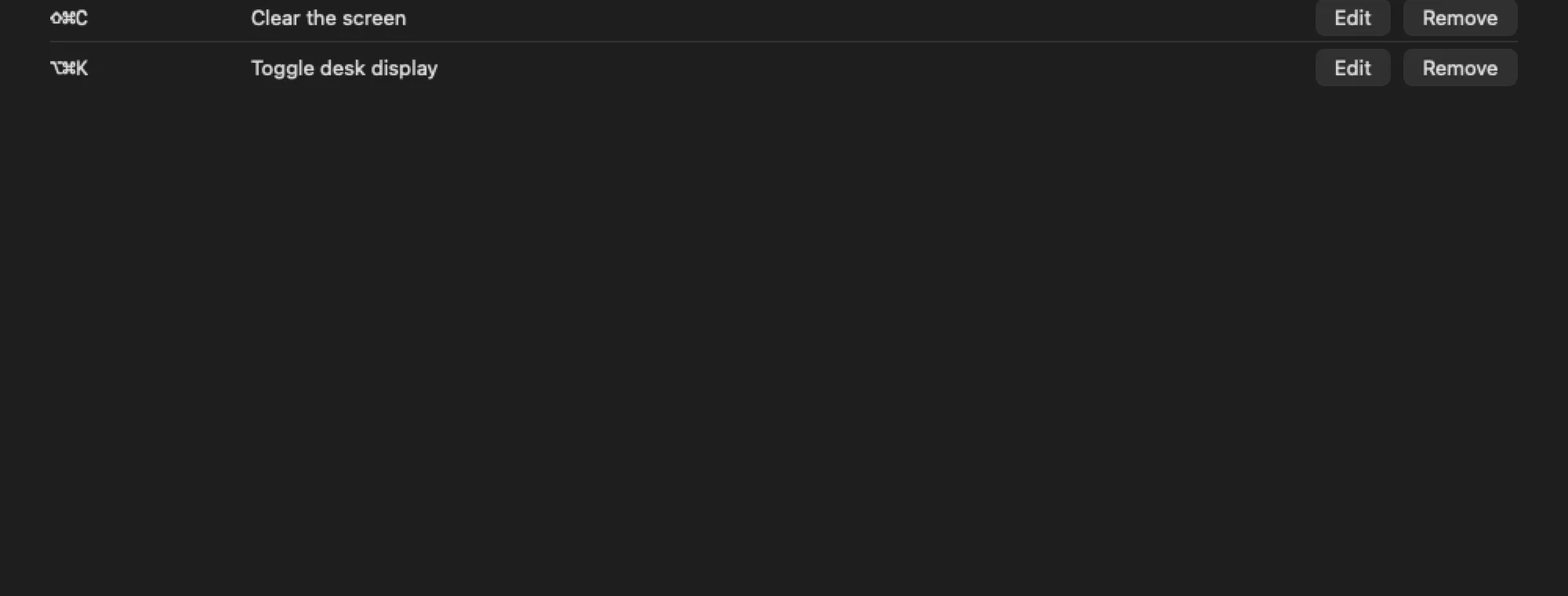
Four steps, no code
- Open Settings → Scripts, add a script, and pick actions from the Add Step menu.
- Set the typed parameters each action needs, or add a Toggle by State block with Then and Otherwise branches.
- Open Shortcuts, record a key combination with Control, Option, or Command, and select Assign.
- Press the key anywhere. Mac Utils runs the whole script and leaves the menu bar icon where it was.
Prefer text? The same script as data
An optional DSL editor shows every script as plain data: one action per line with named parameters and
@toggle, @match, @otherwise, @end blocks. It cannot evaluate expressions, open files, or execute
anything outside the registered actions.
Built to keep growing
Small core, open registries
Actions and state providers plug into typed registries. A new action appears in the visual builder, the DSL, and the shortcut runner at once, so each release can add capabilities without changing how you work.
Direct build
Signed and notarized DMG from GitHub with every action, including the ones that need Accessibility or process control.
App Store build
Sandboxed edition with the display actions, Toggle by State, shortcuts, and launch at login. Coming to the Mac App Store after review.
Open source
MIT-licensed Swift 6 code with tests, CI, and a guide for adding your own actions.
Private by design
Mac Utils keeps scripts, shortcuts, saved disk/folder access, scan metadata and bounded diagnostics locally. Scan caches contain names, paths and sizes, not file contents. The app has no account, analytics, advertising, cloud service or network client, and uploads nothing automatically.
Privacy policy
What the app stores, where, and what it never sends anywhere.
Support
Read the user guide or report a reproducible problem on GitHub with your macOS version and setup.
Known limitations
Which actions need which build, what macOS decides on its own, and what is still being verified.
Give your Mac one more key
English and Russian interface. Requires macOS 26 or later. App Store — coming soon.
© 2026 witqq · MIT License